翻译状态: 此任务示例目前仅提供英文版本。
Image Captioning Example
Overview
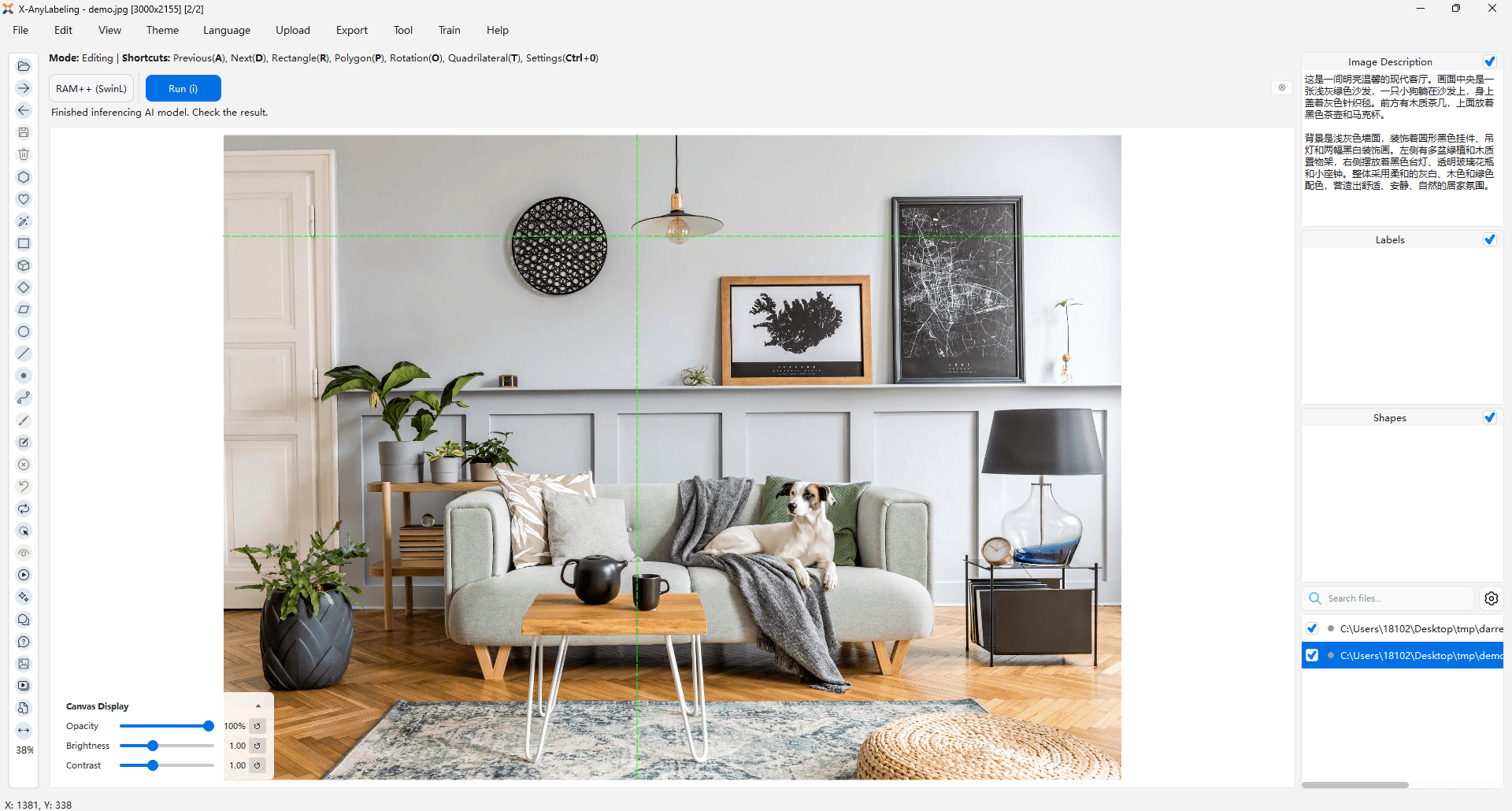
X-AnyLabeling supports image-captioning workflows through its Chatbot and visual question answering tools. Both tools can send the current image to a vision-language model and store or export the generated description for review.
Workflow
- Configure a vision-capable model in the Chatbot.
- Load an image directory in X-AnyLabeling.
- Use
@imagewith a prompt such asDescribe this image in one concise sentence. - Review the generated caption before saving or exporting it.
For structured datasets with configurable fields, use the VQA tool. For batch conversations in ShareGPT format, use the Chatbot's batch-processing and export features.
Always review generated captions before using them as training data, especially descriptions of small objects, text, spatial relationships, and domain-specific terminology.