Depth Estimation Example
Depth-estimation models estimate the relative distance from the camera for every pixel in an image.
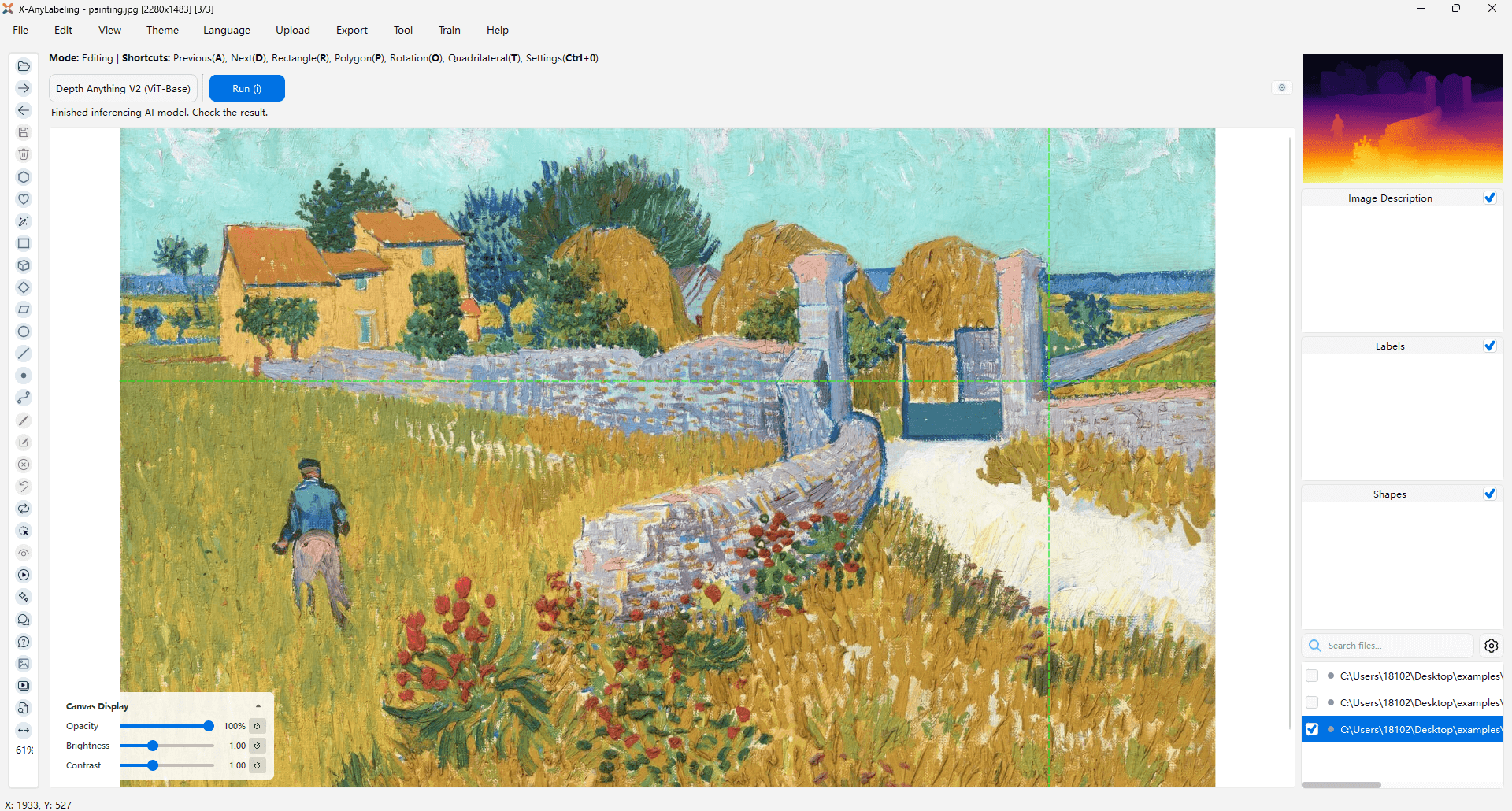
Depth Estimation Model
X-AnyLabeling includes Depth Anything V1 and Depth Anything V2.
- Depth Anything V1 is a highly practical solution for robust monocular depth estimation by training on a combination of 1.5M labeled images and 62M+ unlabeled images.
- Depth Anything V2 significantly outperforms its predecessor, V1, in terms of fine-grained detail and robustness. In comparison to SD-based models, V2 boasts faster inference speed, a reduced number of parameters, and enhanced depth accuracy.
Usage
- Import images (
Ctrl+I) or a video (Ctrl+O) into X-AnyLabeling. - Select and load the Depth-Anything related model, or choose from other available depth estimation models.
- Click
Run (i)to process the current image. After checking the result, pressCtrl+Bto run the model on all images.
The output, once completed, will be automatically stored in a x-anylabeling-depth subdirectory within the same folder as your original image.
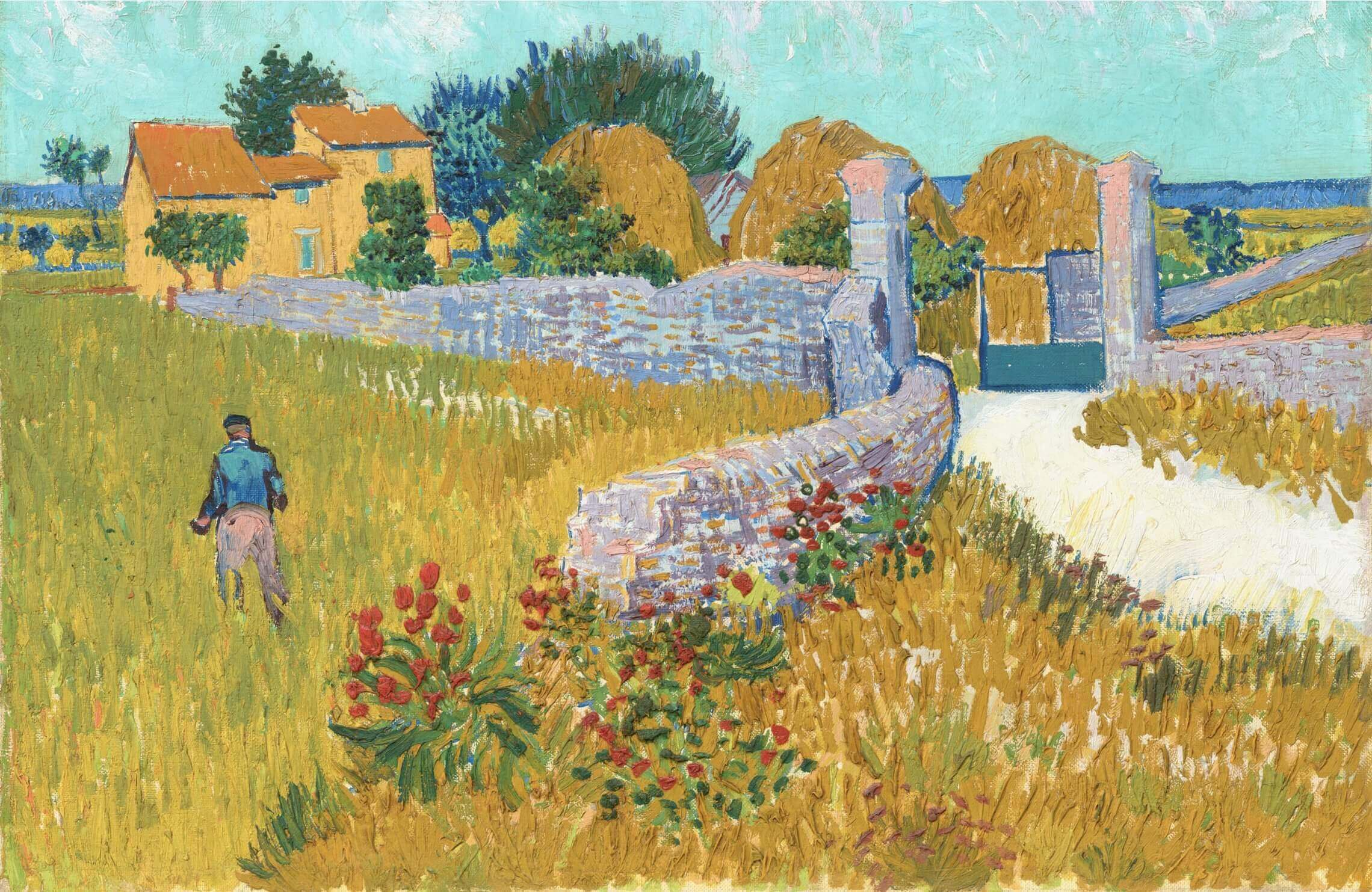
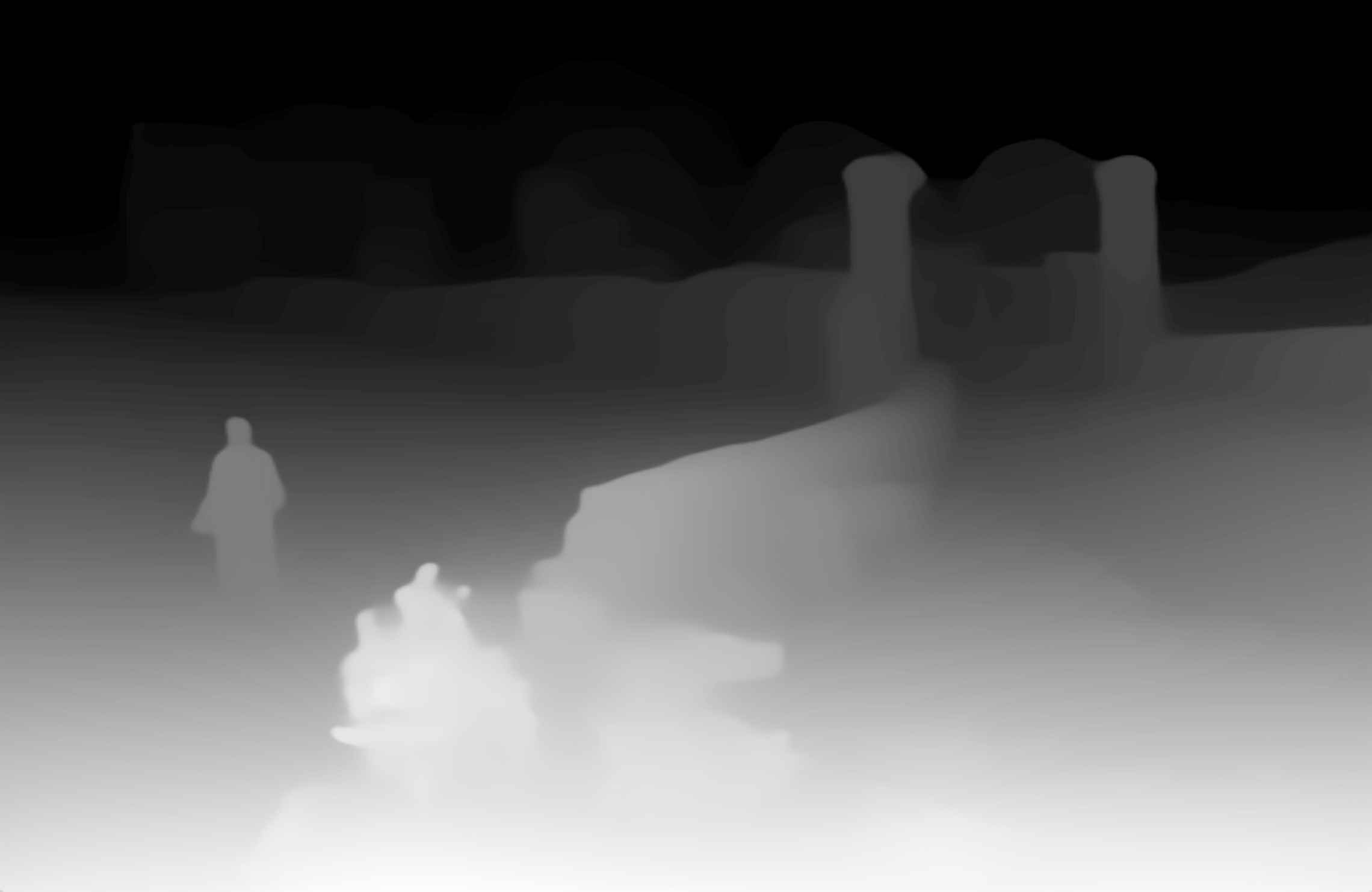
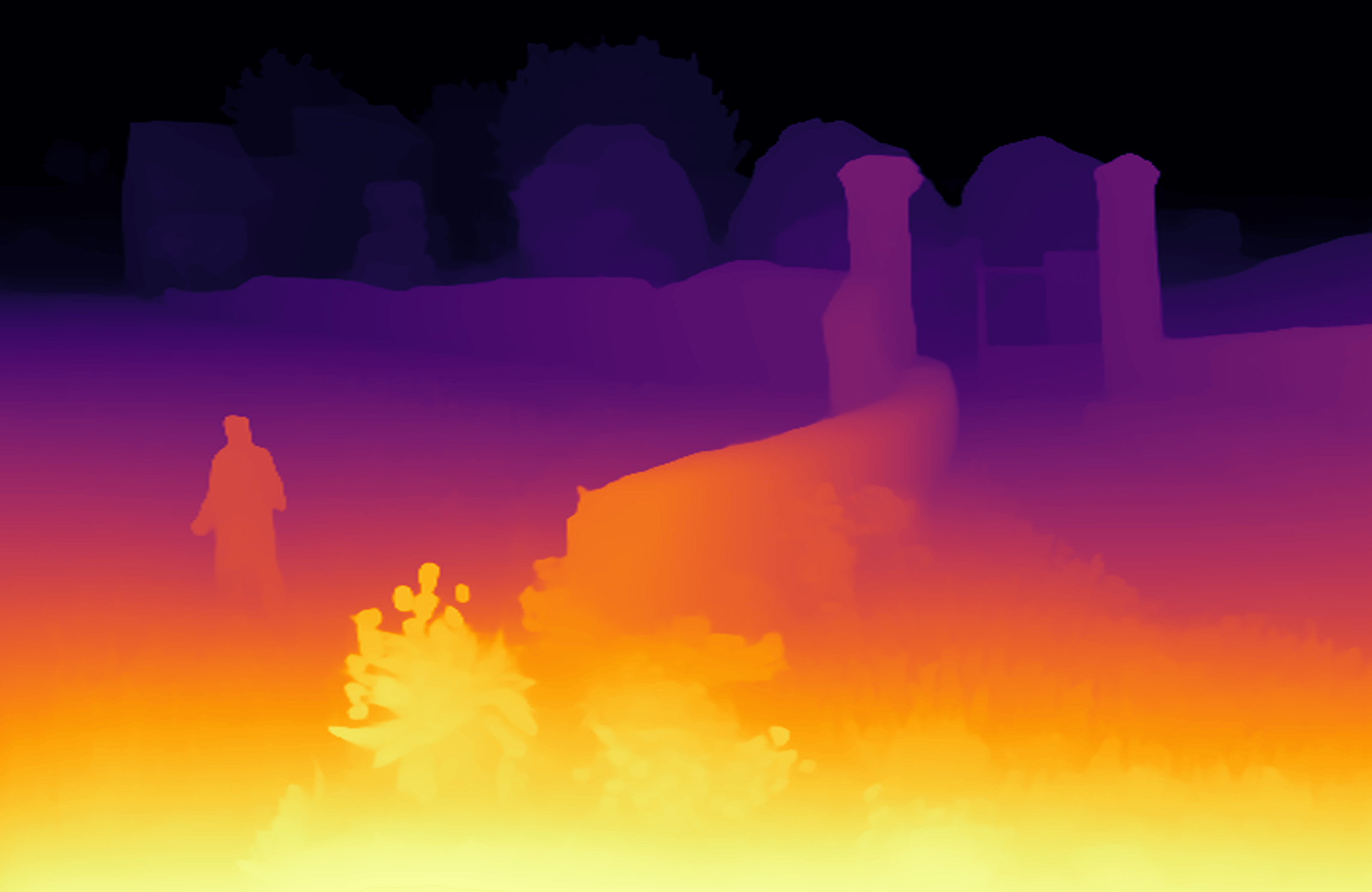
Two output modes are supported: grayscale and color. You can switch between these modes by modifying the render_mode parameter in the respective configuration file.
Advanced: Mapping Relative Depth to a Custom Range
By default, these monocular models output relative depth: normalized values that indicate which regions are closer or farther. You can linearly map those values to a custom numeric range by adding the following parameters to the model configuration:
min_depth: 0.5       # Lower bound of the mapped range
max_depth: 20.0      # Upper bound of the mapped range
save_raw_depth: true # Save the mapped values as a .npy file
Example Configuration:
type: depth_anything_v2
name: depth_anything_v2_vit_b
display_name: Depth-Anything-V2-Base
model_path: depth_anything_v2_vitb.onnx
render_mode: color
min_depth: 1.0
max_depth: 50.0
save_raw_depth: true
When enabled, the output will include:
- Visualization image: Color or grayscale heatmap (same as before)
*_depth.npyfile: Depth values linearly mapped to the configured range
You can load and query the calibrated depth data using:
import numpy as np
depth_map = np.load("image_depth.npy")
value = depth_map[y, x]  # Get the mapped value at pixel (x, y)
This operation is a linear remapping of relative model output; it does not turn a relative-depth model into a metric-depth model. Do not interpret the saved values as measured distances unless you have independently calibrated the model and camera for your scene. Leave min_depth and max_depth unset to keep the default visualization-only behavior.