Image-level Classification Example
Introduction
Image classification assigns labels to an entire image. X-AnyLabeling supports multiclass and multilabel classification.
Multiclass classification assigns exactly one class to each image.
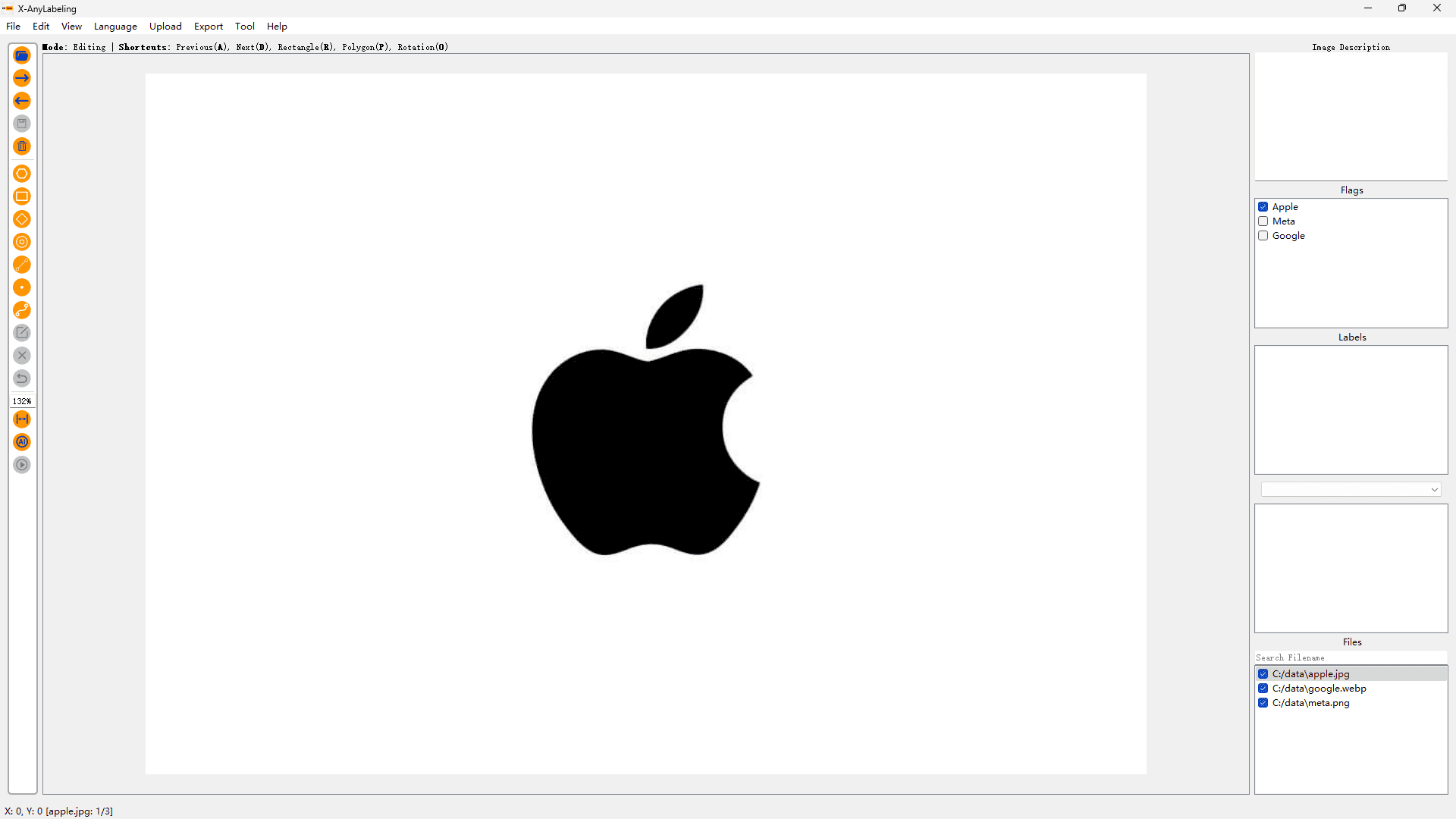
Multilabel classification allows each image to have multiple labels.
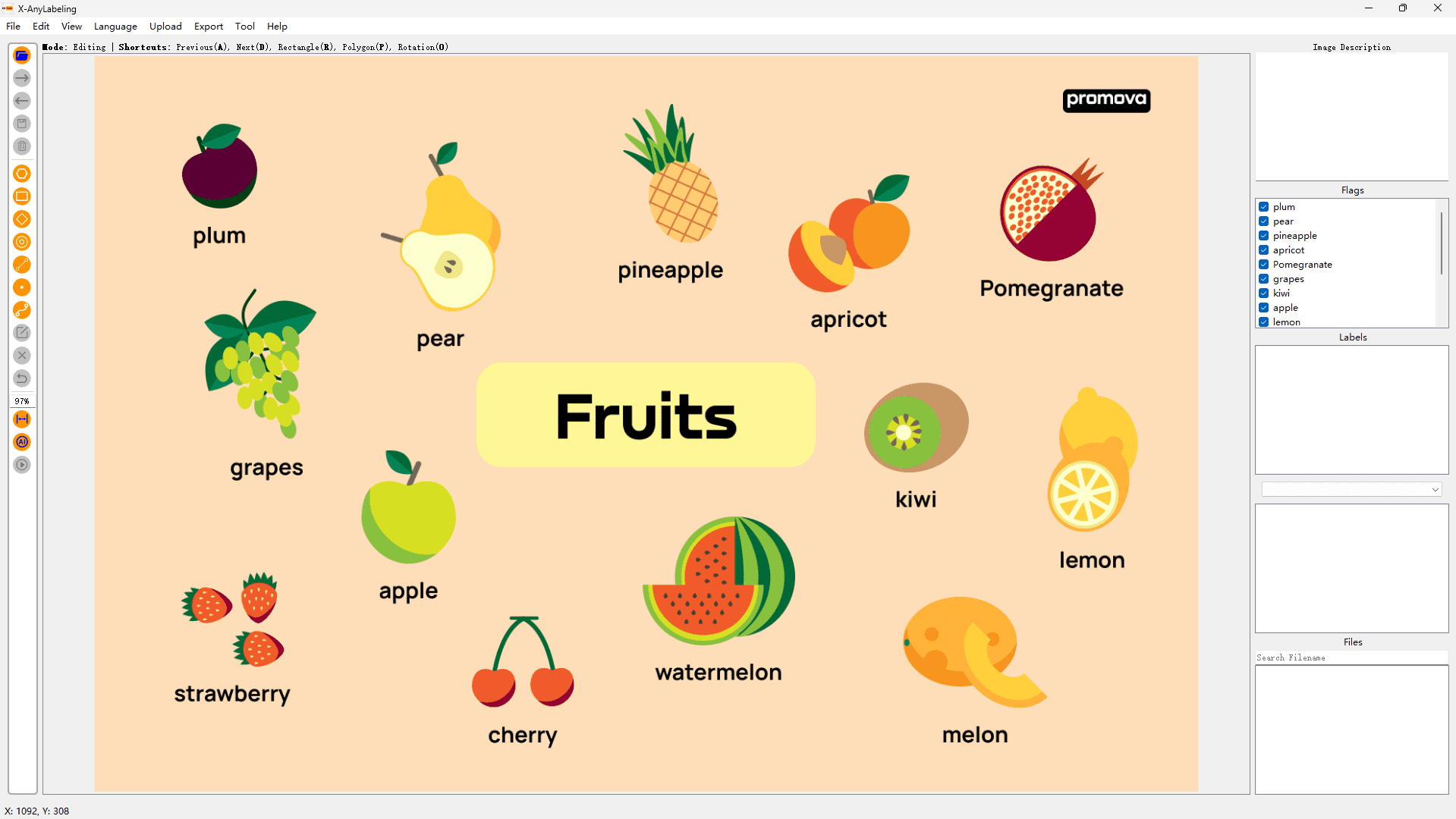
Usage
Model-assisted Classification
The following models support automatic multiclass classification:
| Model | Model Implementation |
|---|---|
| YOLOv5-Cls | yolov5_cls.py |
| YOLOv8-Cls | yolov8_cls.py |
| YOLO11-Cls | yolo11_cls.py |
| InternImage | internimage_cls.py |
Load a classification model in the main window and run automatic labeling on a single image or a batch. Predictions are saved in the image-level flags field. After automatic labeling, open the Image Classifier (Ctrl+3 on Windows/Linux or ⌘+3 on macOS) to review and correct the predictions. Save the corrected annotations before exporting images by category.
Alternatively, configure a VLM in Chatbot for AI-assisted classification in the Image Classifier. See the Image Classifier guide for details.
GUI Import
Step 0: Preparation
Prepare a flags file like logo_flags.txt or fruit_flags.txt. An example is shown below:
Apple
Meta
Google
Step 1: Run the Application
python anylabeling/app.py
Step 2: Upload the Configuration File
Click on Upload -> Upload Image Flags File in the top menu bar and select the prepared configuration file to upload.
Command Line Loading
Option 1: Quick Start
This option is suitable for a quick startup.
python anylabeling/app.py --flags Apple,Meta,Google
Separate labels with commas.
Option 2: Using a Configuration File
python anylabeling/app.py --flags flags.txt
Each line in the file represents one category.
For detailed output examples, refer to this folder.